
🍎
Streamtion on iPhone & iPad
Hot Player lives on the App Store too — same app, same one-time activation, plus AirPlay to the big screen.
📬
Everything you type in these steps — server URL, username and password (or your M3U link) — is in the welcome email we send minutes after you start a trial or plan. Nothing arrived? Check spam, then ping support.

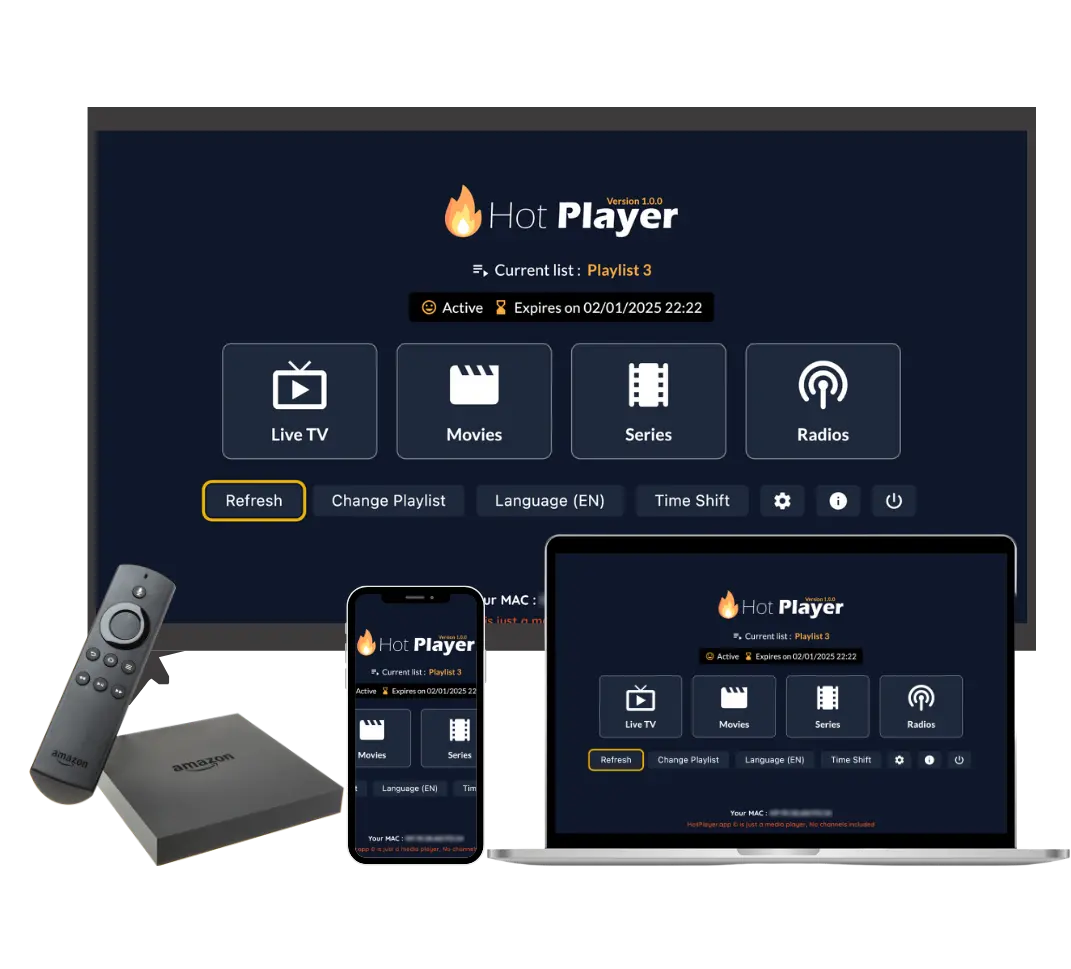
Hot Player
RecommendedOne activation covers your device — and the interface matches what you’d see on a TV, so nothing to relearn.
- Install Hot Player from the App Store on your iPhone or iPad.
- Open it and note the MAC / device code shown on the welcome screen.
- Activate: visit
hotplayer.appin Safari, enter that code and paste the M3U link from your welcome email, then save. - Reopen the app. Channels, movies and series appear — AirPlay or cast whenever you want it bigger.
🛟
Prefer a different iOS player? Tell support — Average first reply is under 5 minutes.
Get setup help